Free
Sheet music and note-reading games, plus the opening of 3 songs you bring and 3 library pieces as a game.
$0 forever
Sign up with an email, nothing to pay.
Start freeGet a piano arrangement of your favorite song and learn it at your pace.
Links from YouTube, Instagram, TikTok and more, up to 15 minutes. Audio files up to 25 MB, photos of sheet music up to 20 MB.
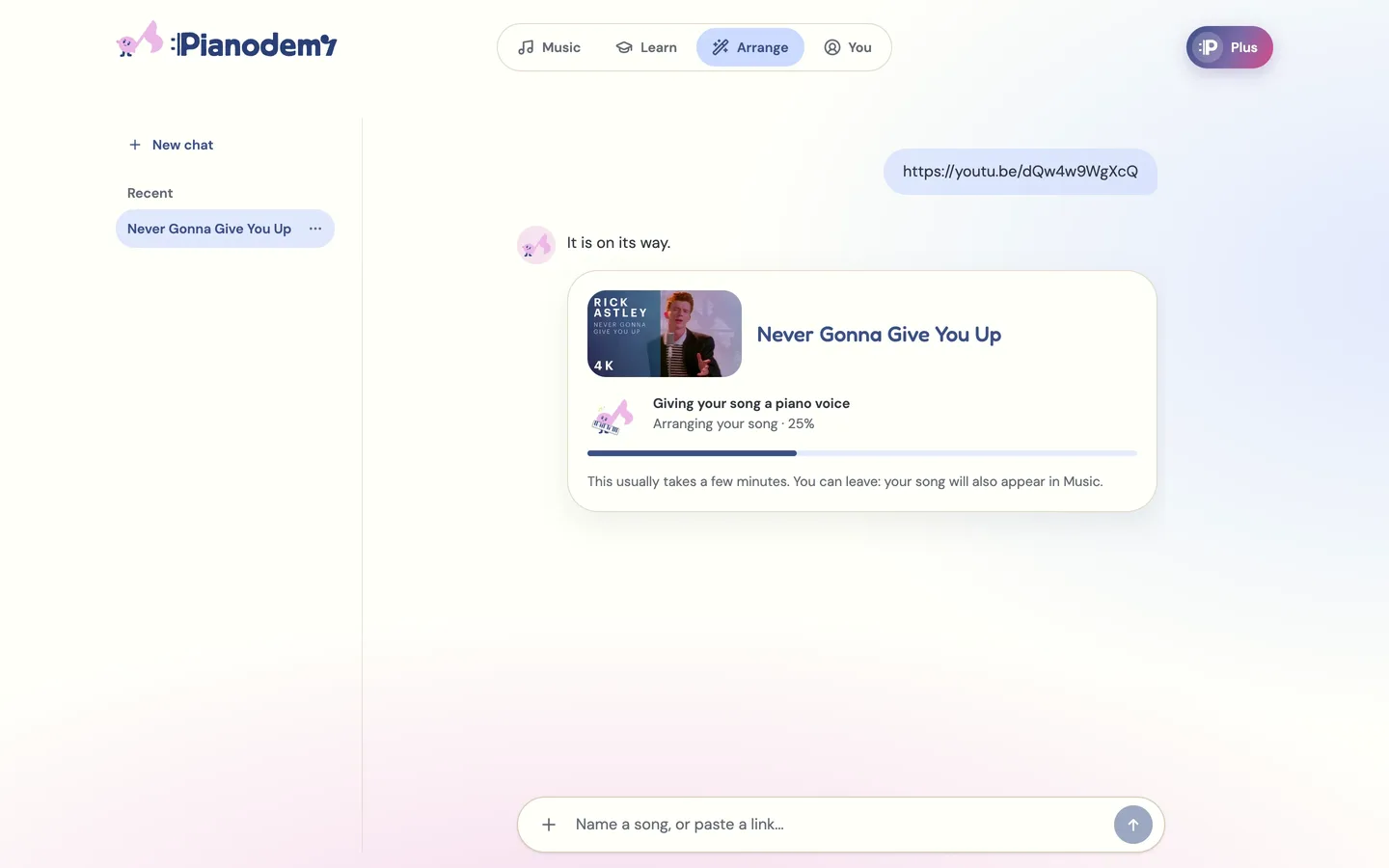
Arranging your song...
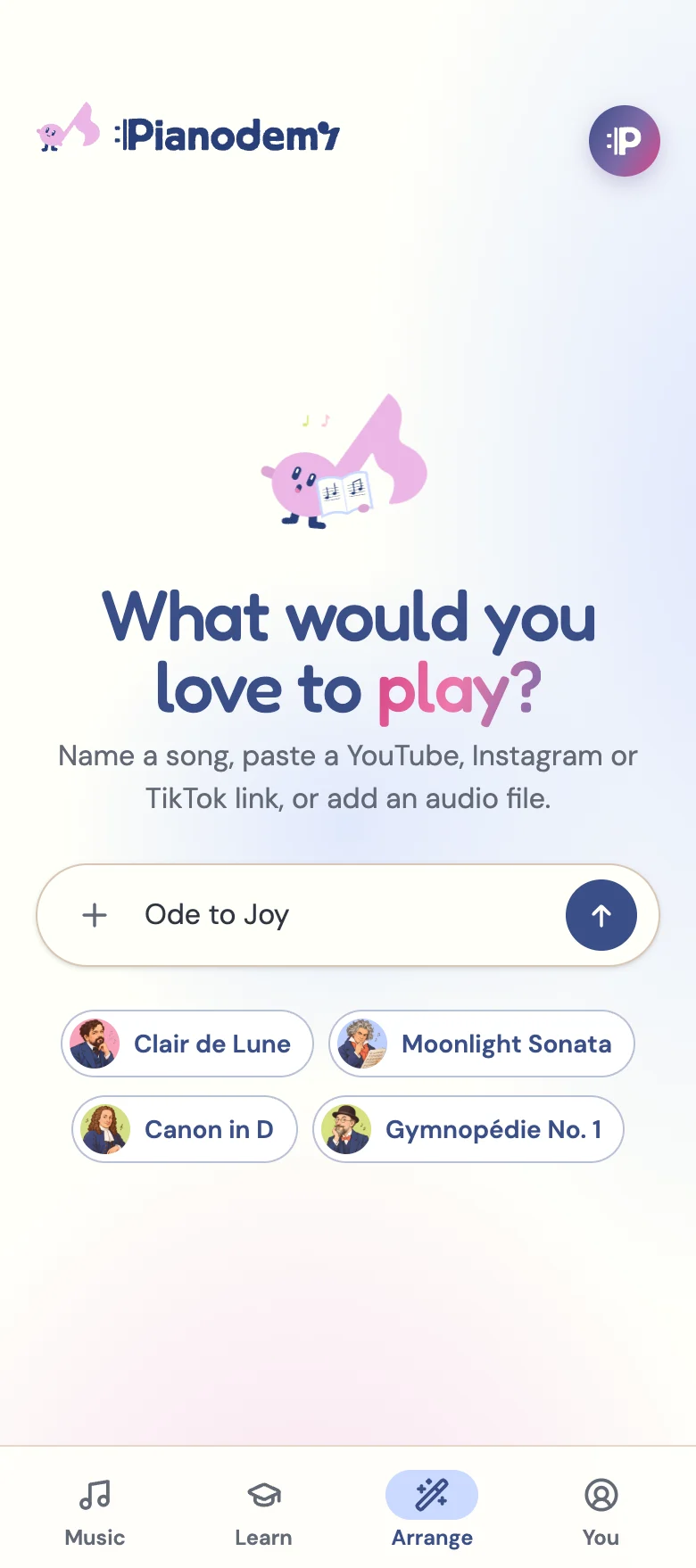
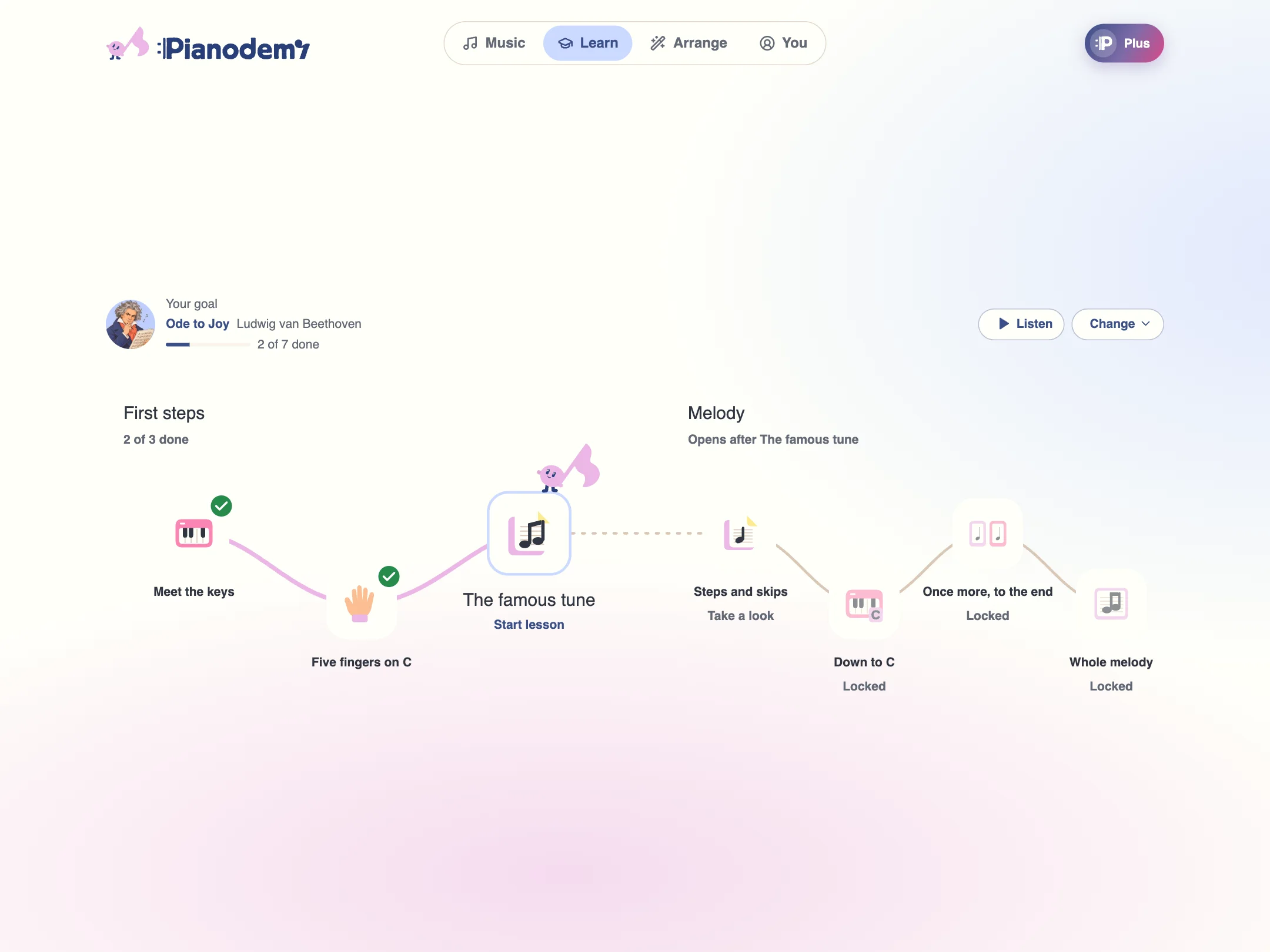
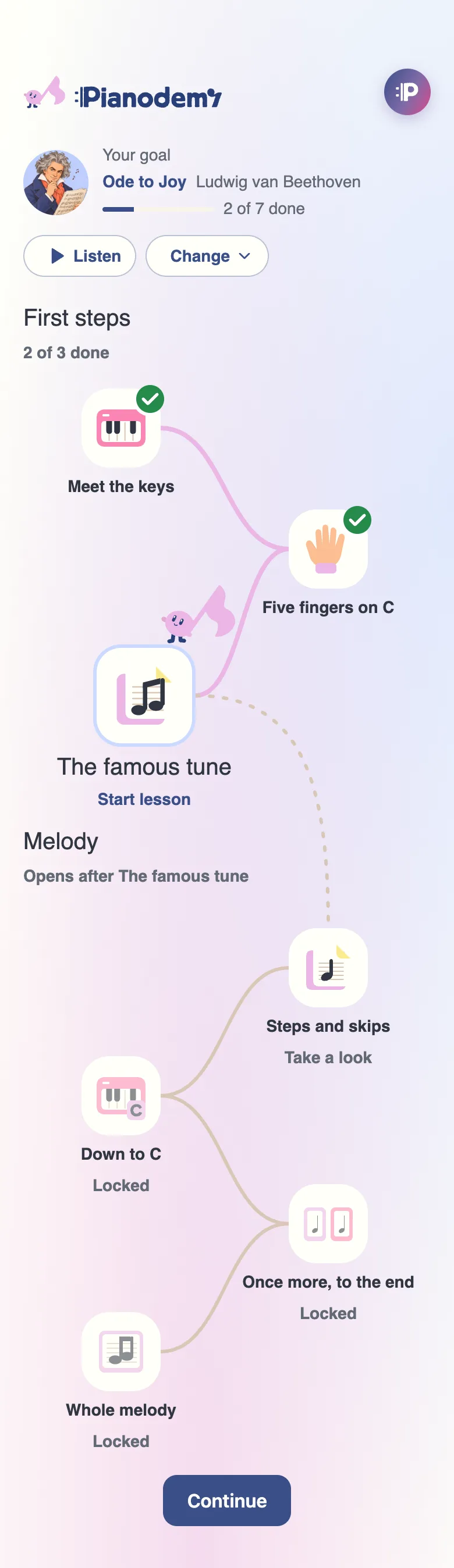
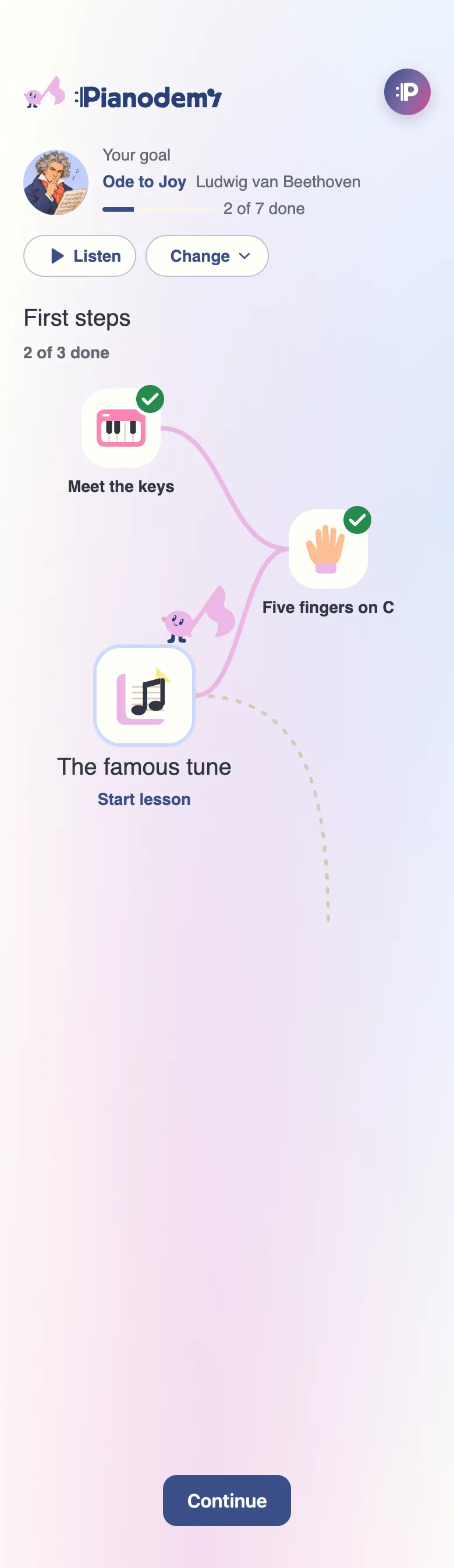
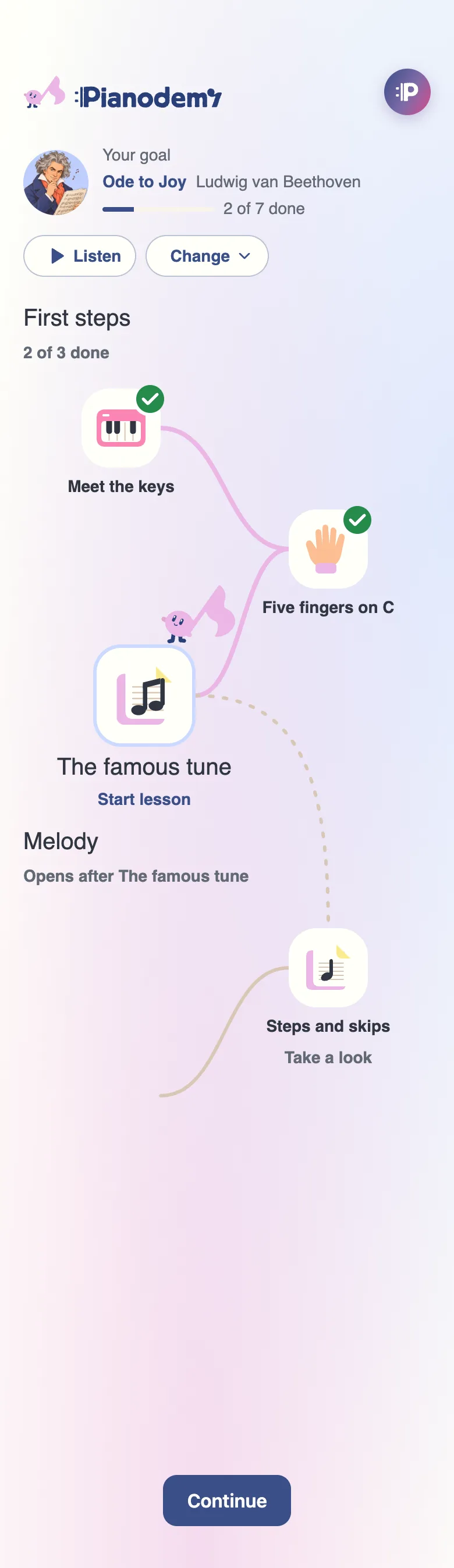
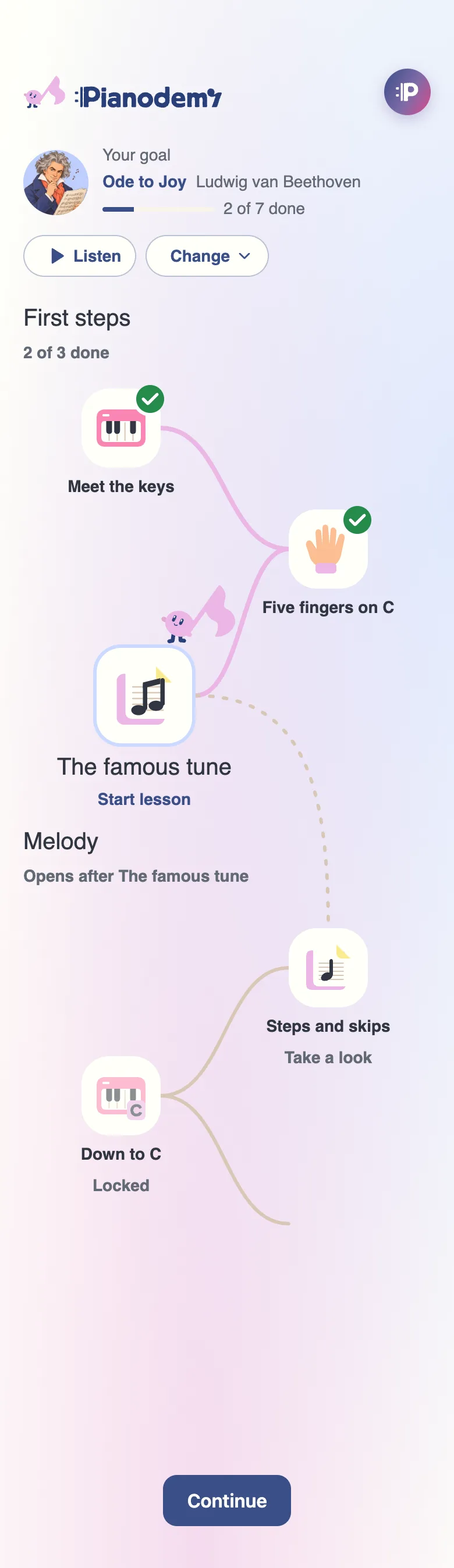
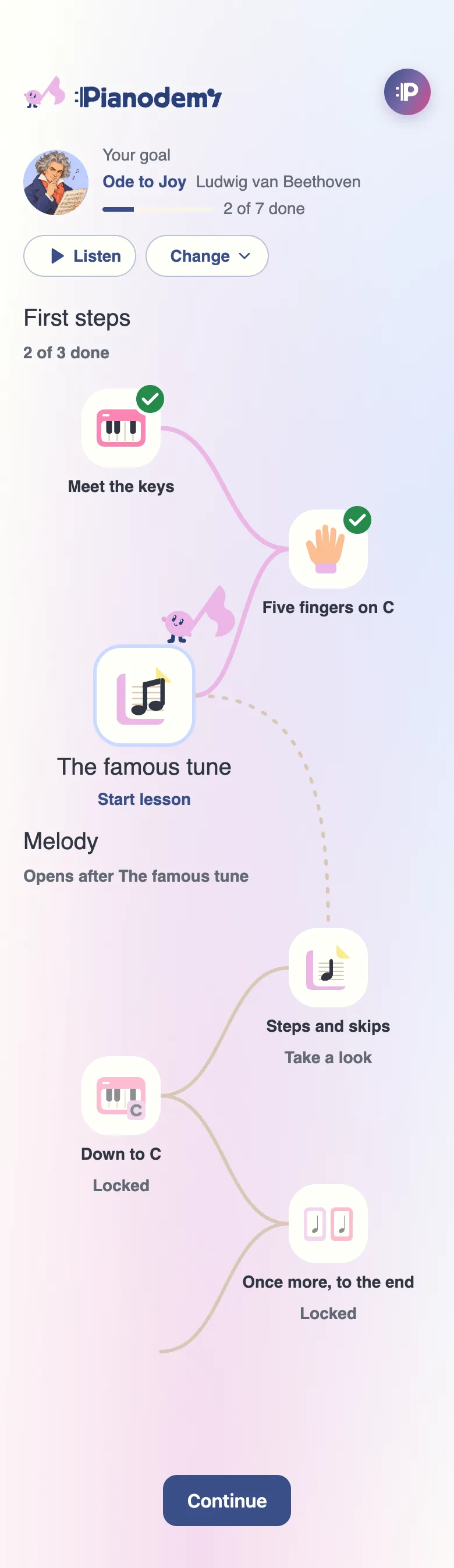
Pianodemy arranges your song at your level and builds a learning path of short lessons that leads you to it.
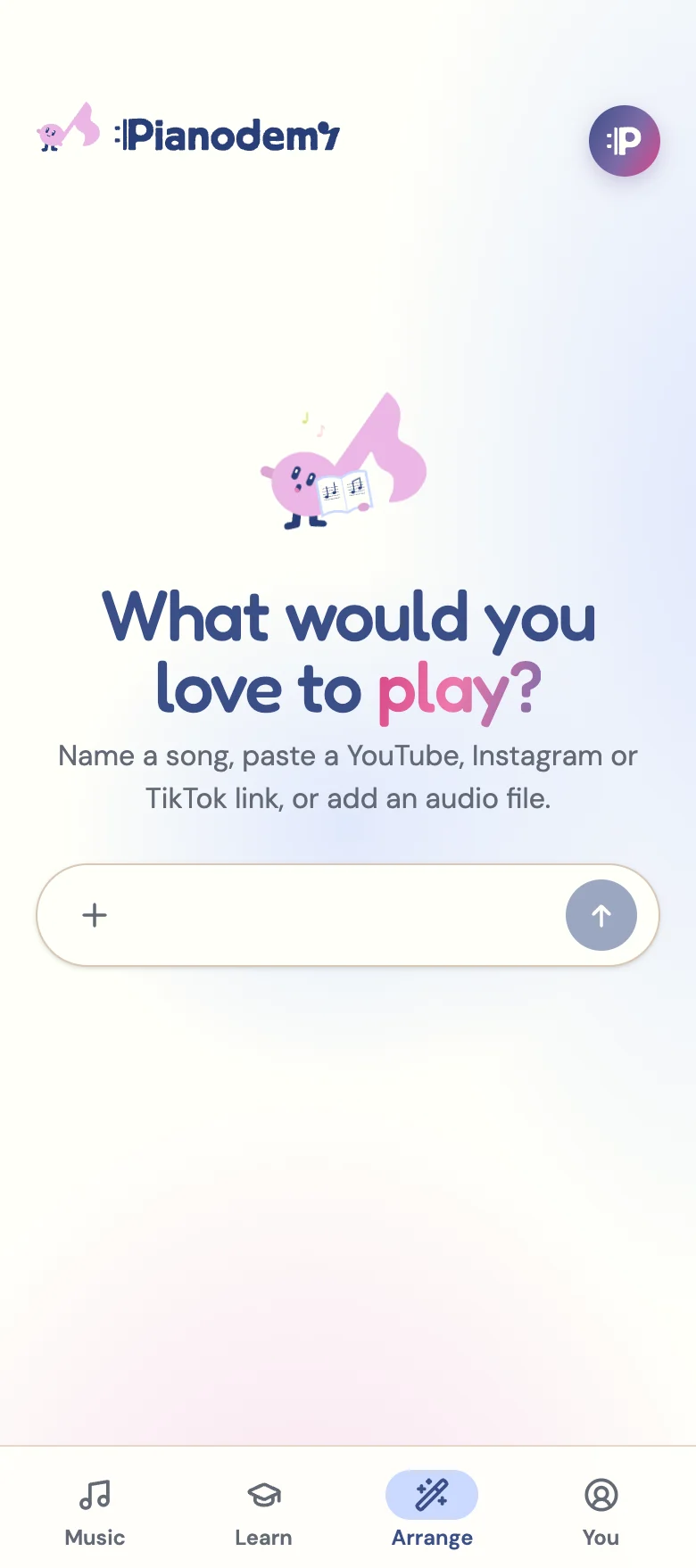
Name it, paste a link, or add an audio file or a photo of the music.
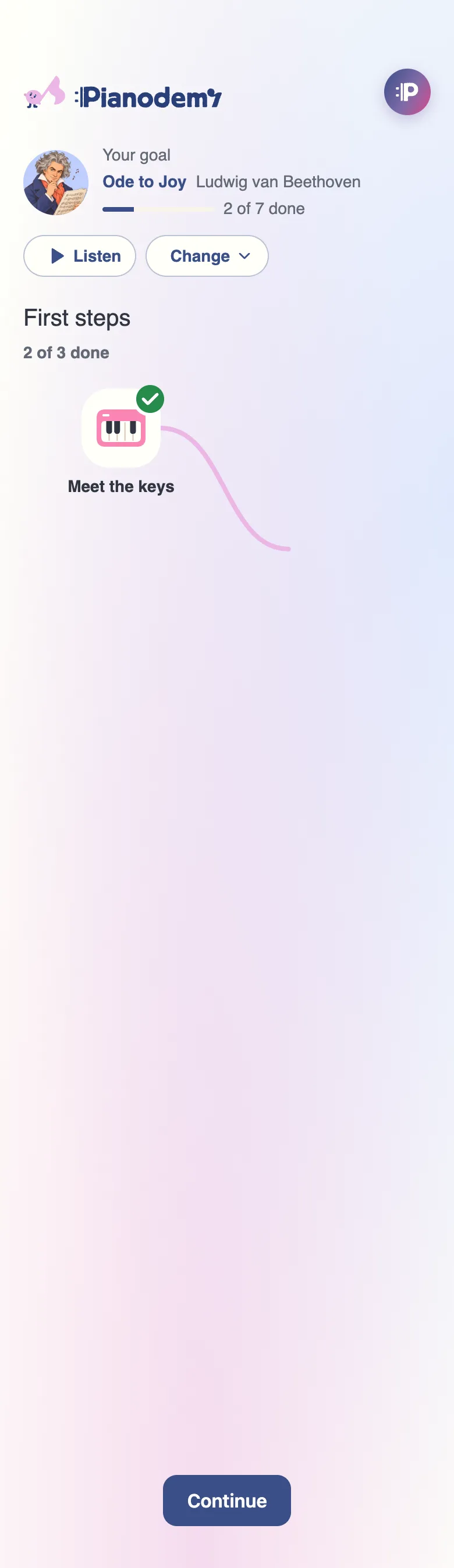
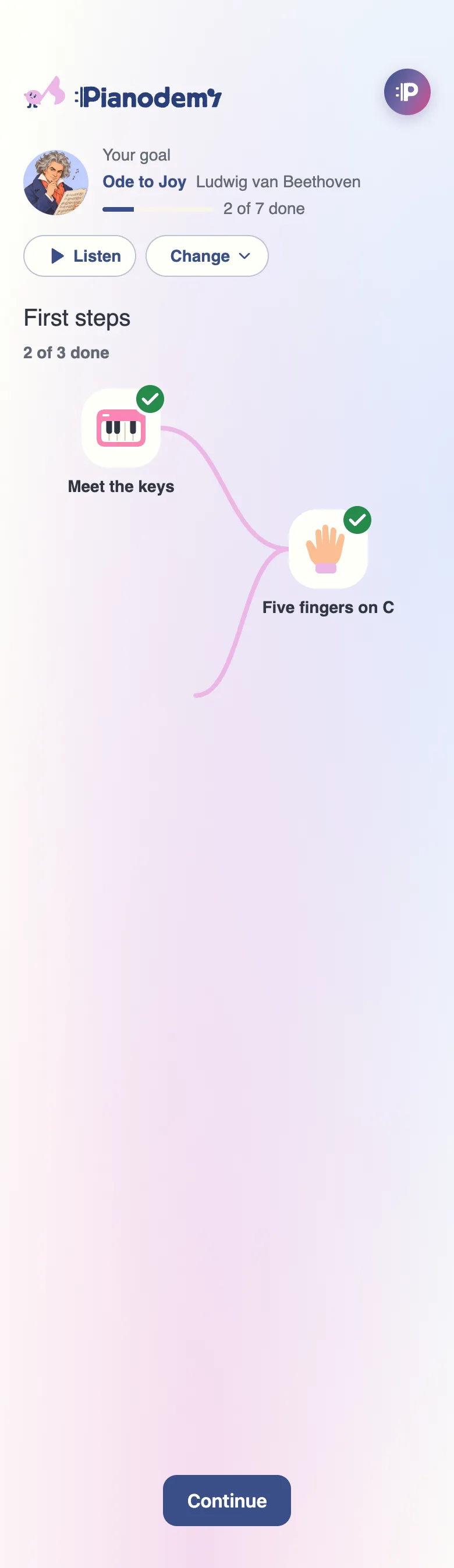

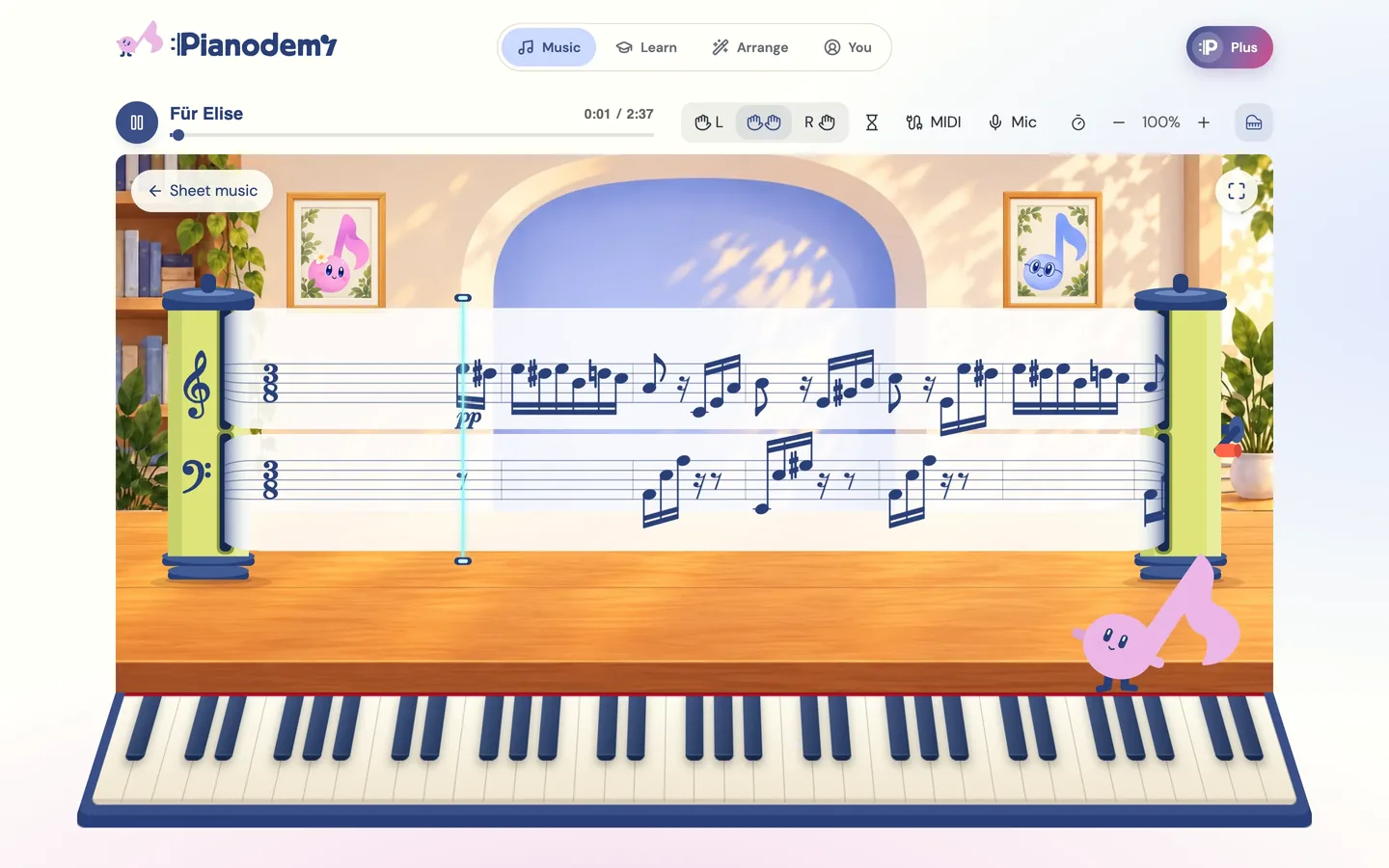
Listen, follow the notes, play along.
Start with a familiar melody. These pieces are ready to play.
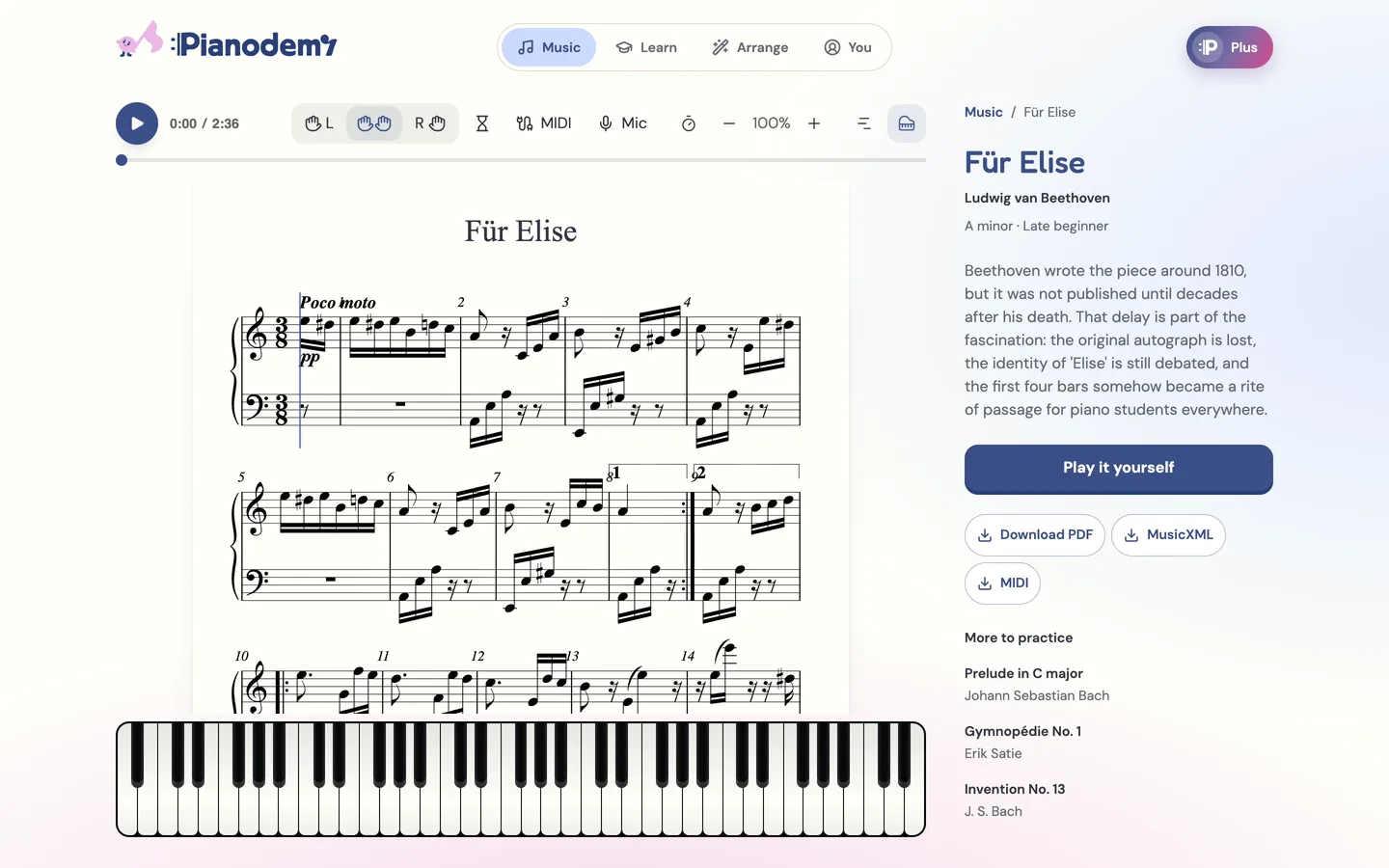
Play a piece Sheet music that plays, with a keyboard to follow.
Share the score, mark a tricky passage, and try it together in a realtime music room.
Start free. Go Plus when you want every piece and your own songs.
Sheet music and note-reading games, plus the opening of 3 songs you bring and 3 library pieces as a game.
$0 forever
Sign up with an email, nothing to pay.
Start freeEvery song you bring plays whole, with its own Learn plan, and every piece in the library is a game.
$79 / year
7 days free, then $79 a year. Card at checkout, cancel any time.
$9.99 / month
Paid now, then monthly. Cancel any time.
Yes. Sheet music and the note-reading games are free. Preview an arrangement without an account, or sign up free to play the opening of 3 songs you bring and 3 library pieces as a game. Plus plays them whole, with 7 days free on the yearly plan.
Search by song and artist, paste a link (YouTube, Instagram, TikTok...), or upload an audio file. Pianodemy turns the recording into a piano arrangement at your level, with a learning path of short lessons, and you practise it like any piece: Wait for note, one hand at a time, tempo control, and a MIDI keyboard or your own piano through the microphone. Have the sheet music? Attach a photo of one page: Pianodemy reads the notes, and you check them against your page before you practise.
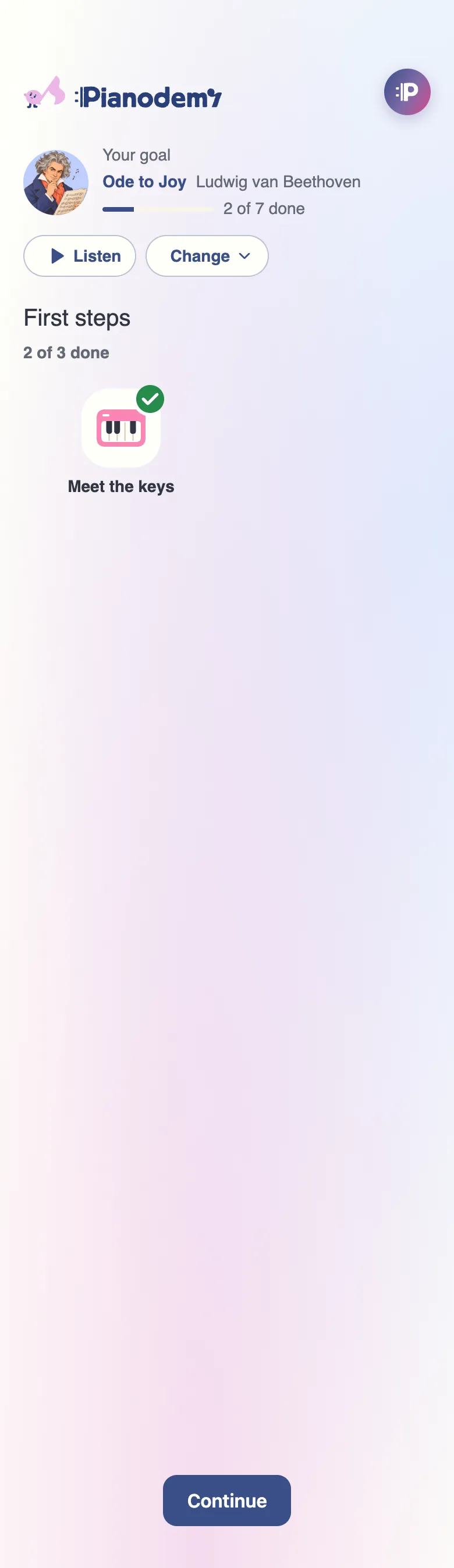
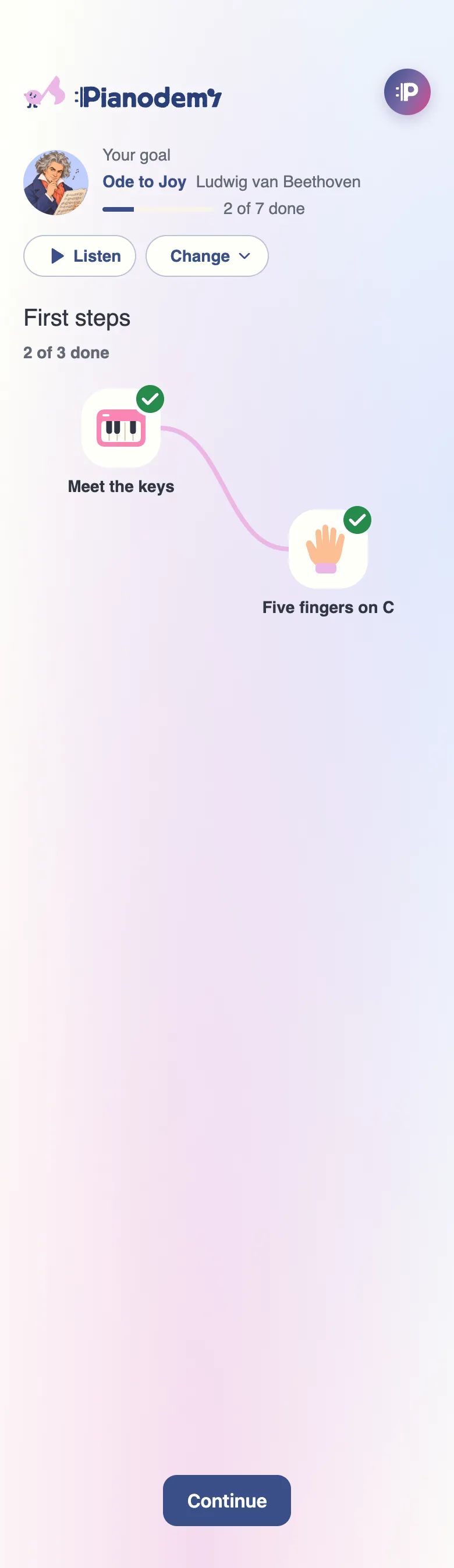
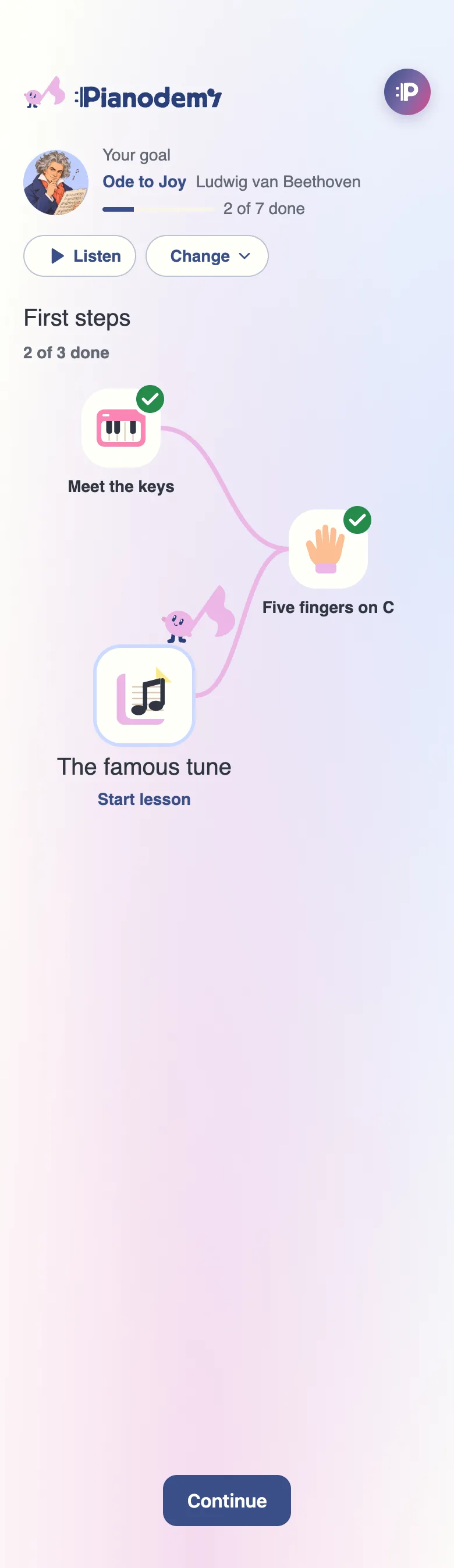
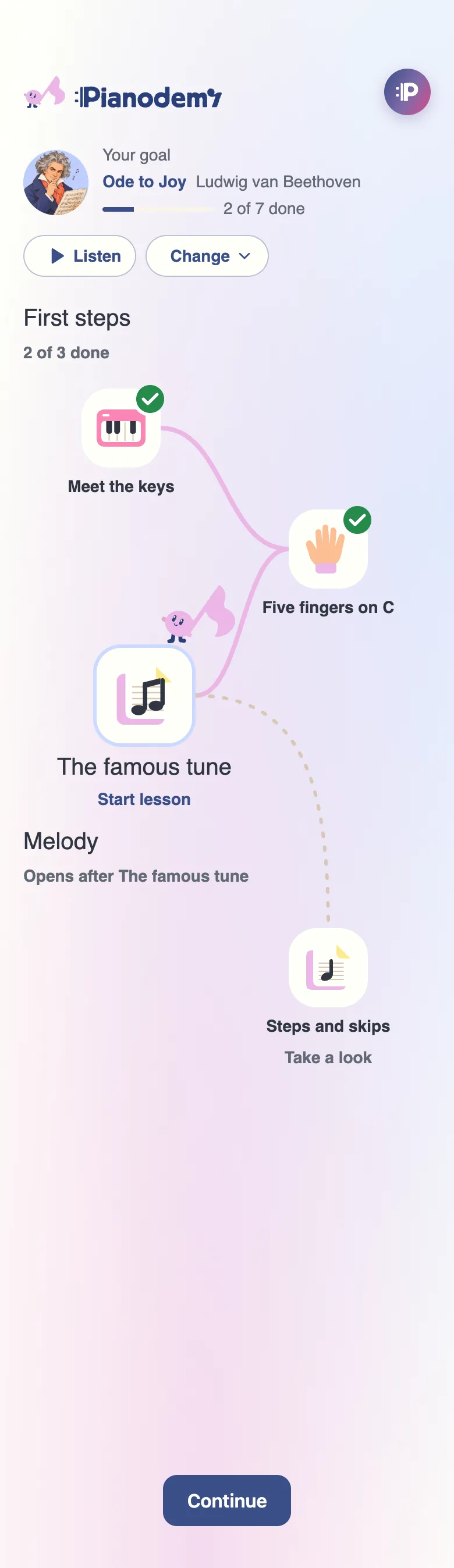
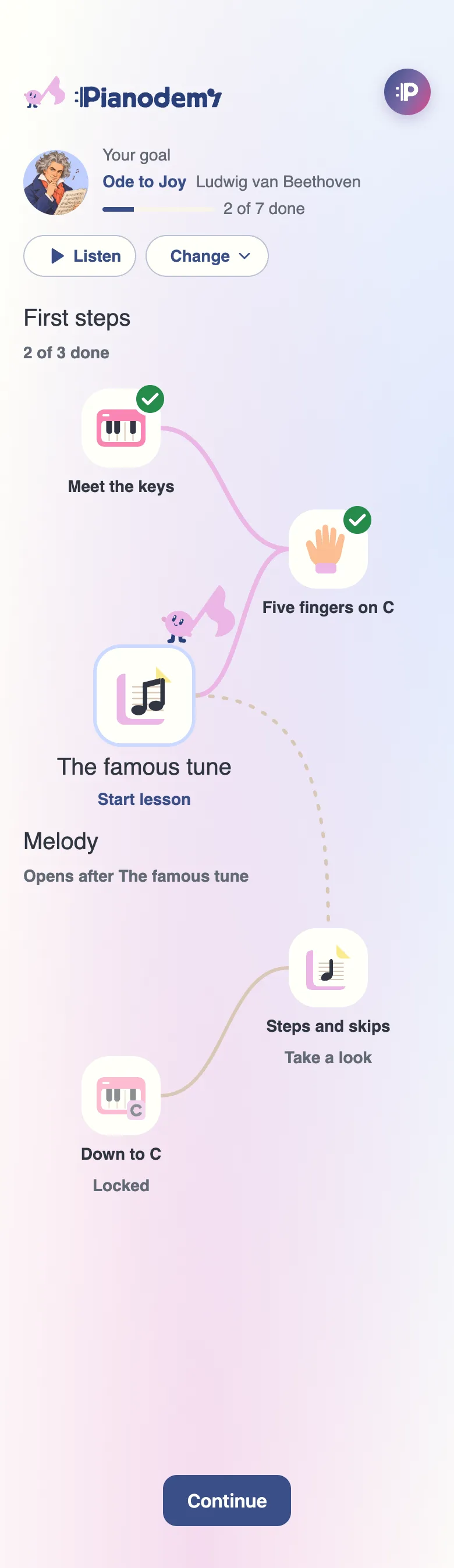
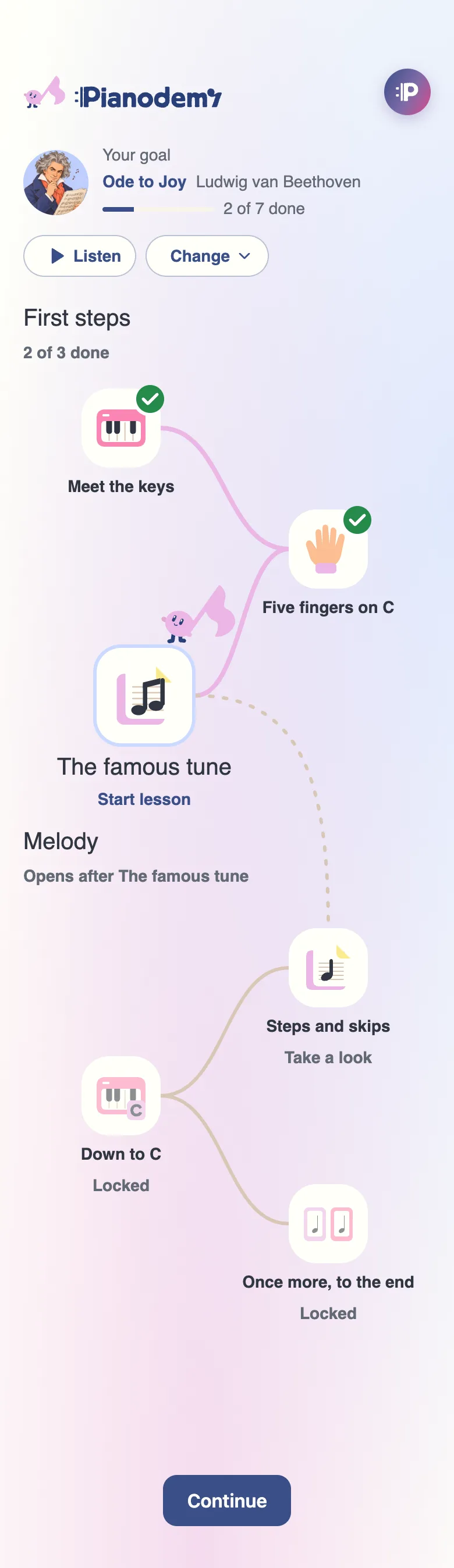
Pick a song and Pianodemy builds a path of short lessons toward it: first steps at the keyboard, then the melody of your song, a phrase at a time, until you play it through. You can listen to the song at any point. Song paths are part of Plus.
You can listen and explore with the on-screen keyboard. To practise, use your own piano or connect a MIDI keyboard in a supported browser.
Plus is $79 a year, with 7 days free first (card at checkout, cancel any time), or $9.99 a month. Every song you bring plays whole and gets its own Learn plan, you get every piece in the library as a game, and sheet music, MIDI and MusicXML for each song. Fair use is up to 30 songs a month.
You keep Plus until the end of your paid period. After that, your free pieces remain playable in full. Songs created with Plus stay saved as previews and unlock again when you resubscribe.
Yes. Start a live room to share video, a piano, and a canvas with a teacher or friend.