
Free
Sheet music and note-reading games, plus the opening of 3 songs you bring and 3 library pieces as a game.
$0 forever
Sign up with an email, nothing to pay.
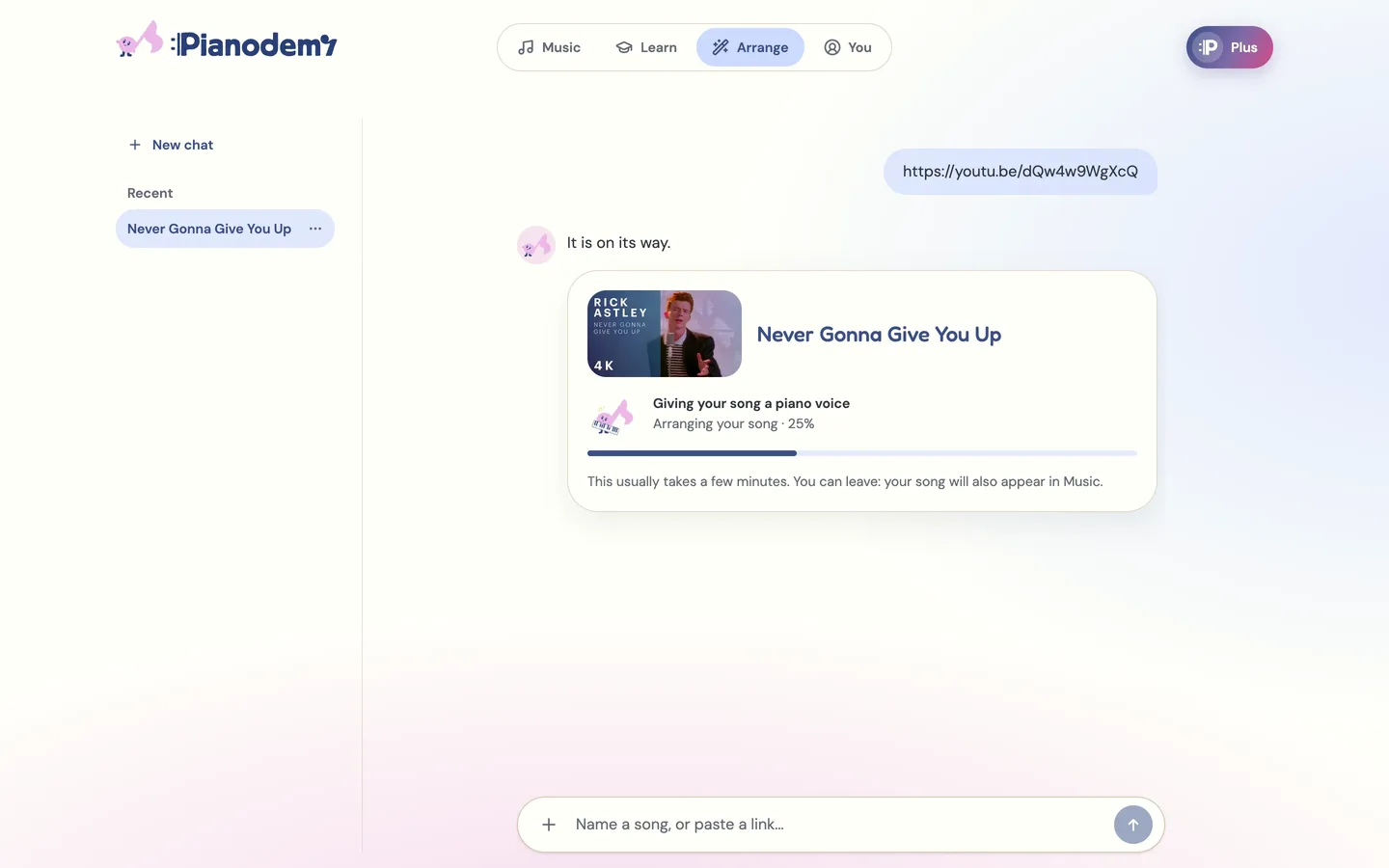
Start freeUpload the MP3 of a song. Pianodemy arranges it for piano at your level, plays it back in the browser, and gives you a MIDI file for your DAW or keyboard.
Links from YouTube, Instagram, TikTok and more, up to 15 minutes. Audio files up to 25 MB, photos of sheet music up to 20 MB.
Arranging your song...
MP3, WAV, M4A and more, up to 25 MB
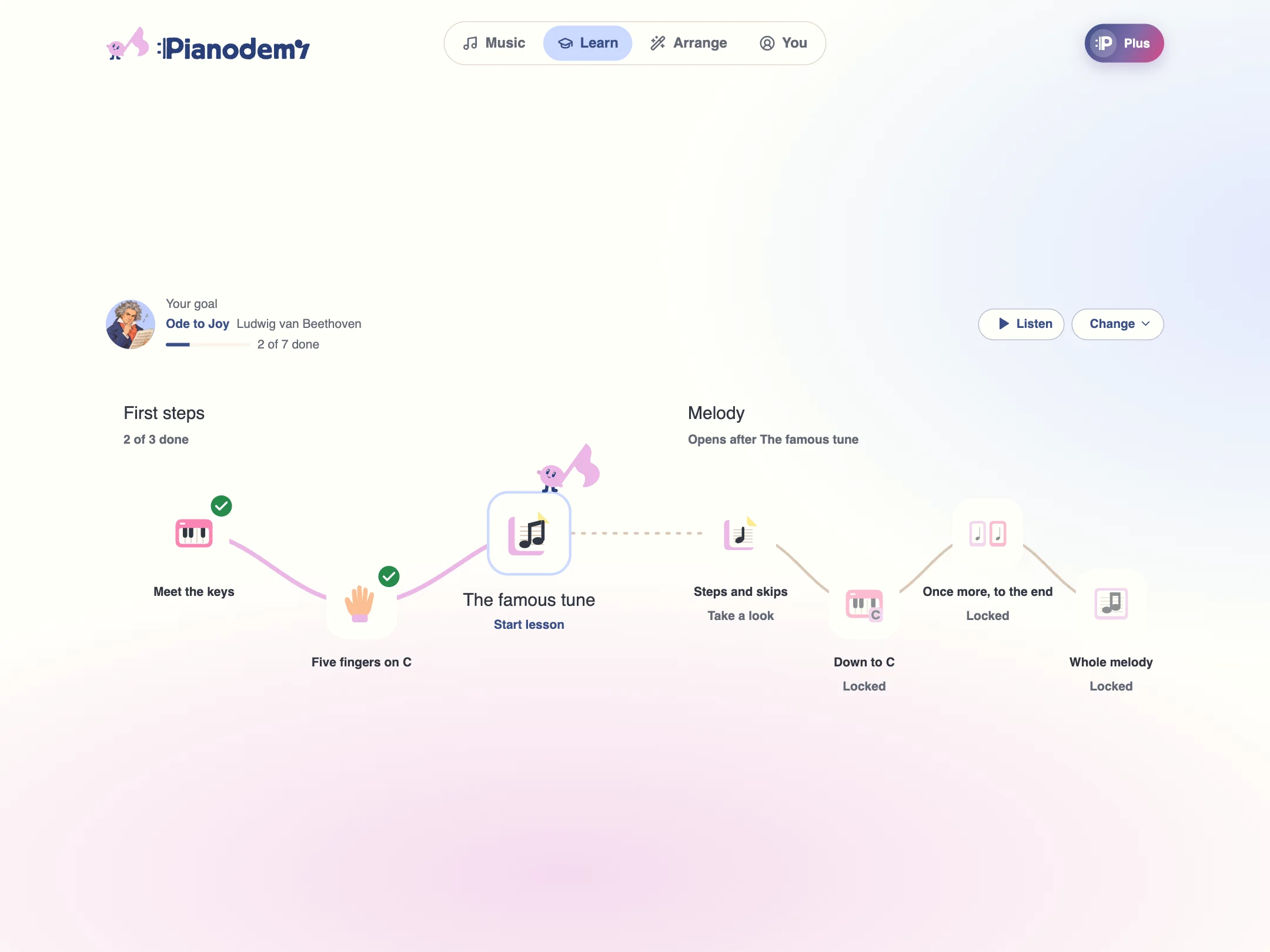
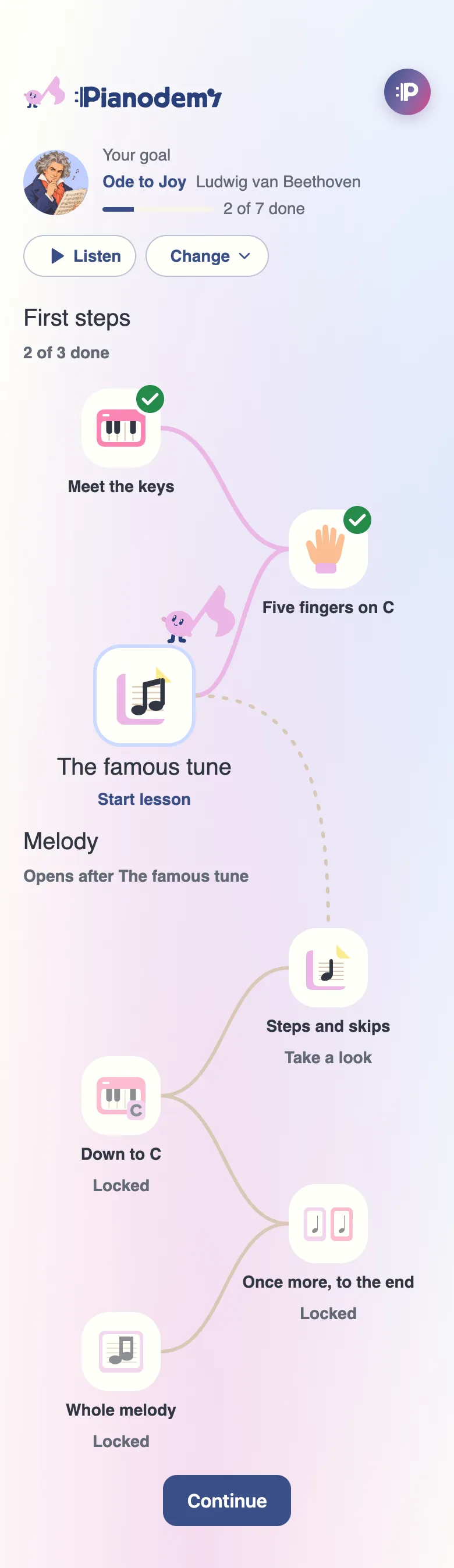
Pianodemy arranges your song at your level and builds a learning path of short lessons that leads you to it.
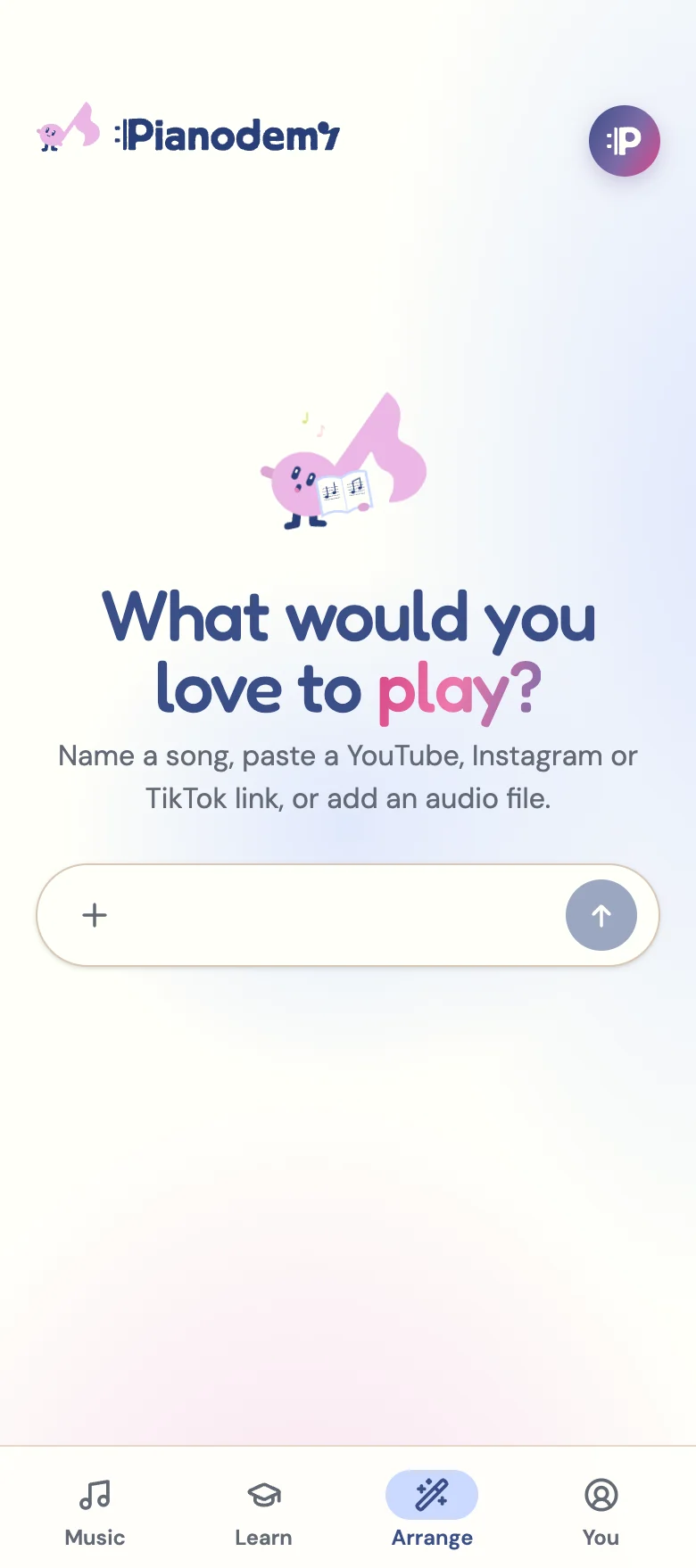
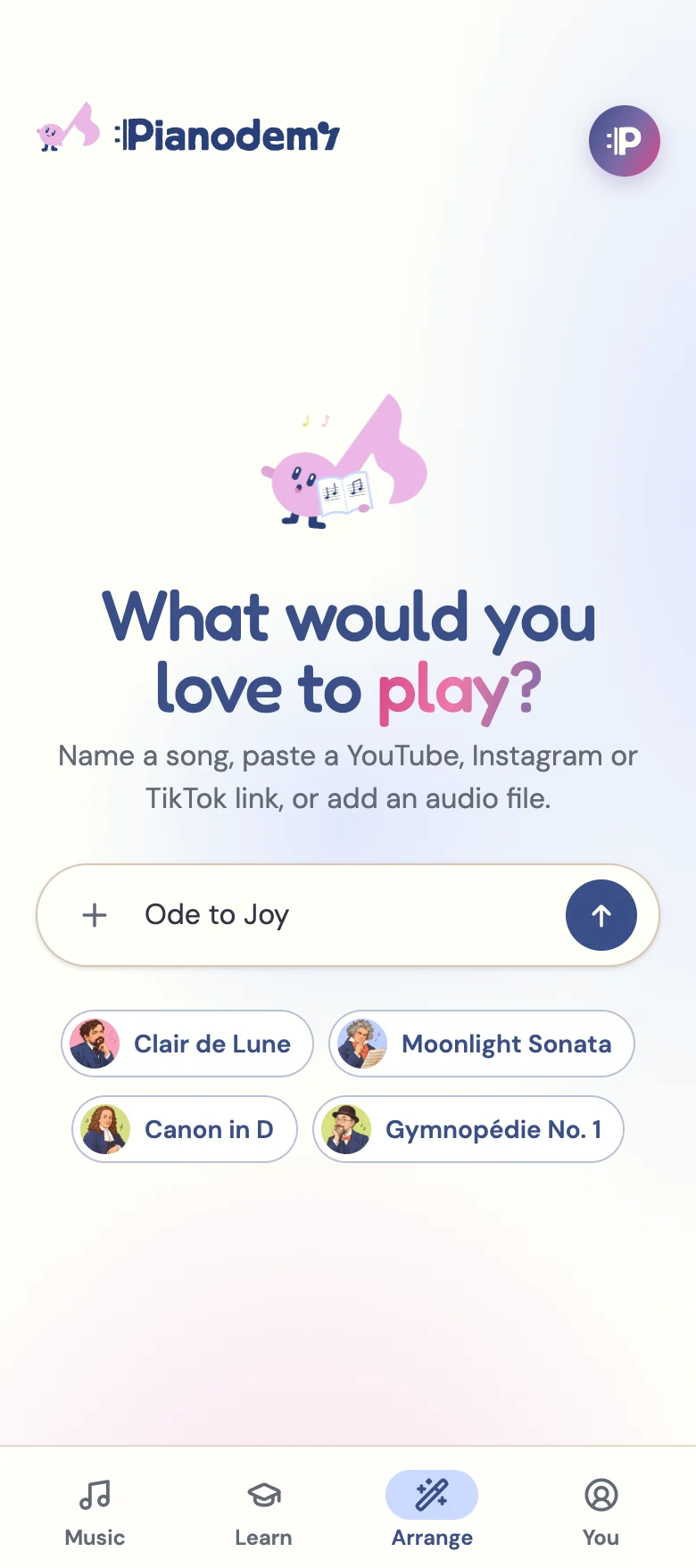
Name it, paste a link, or add an audio file or a photo of the music.
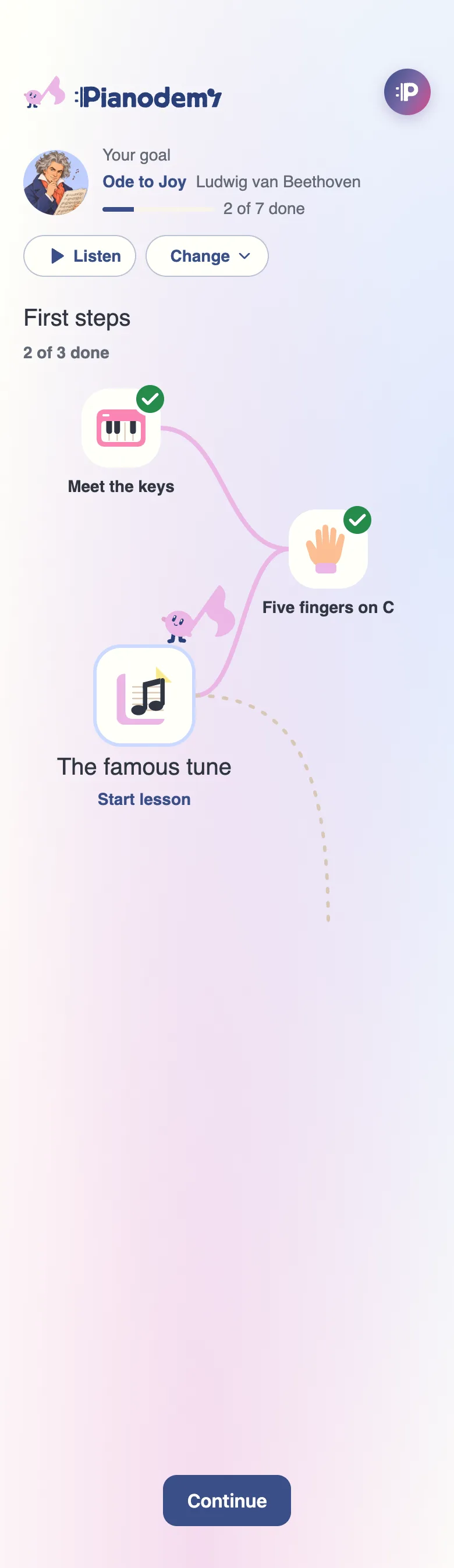
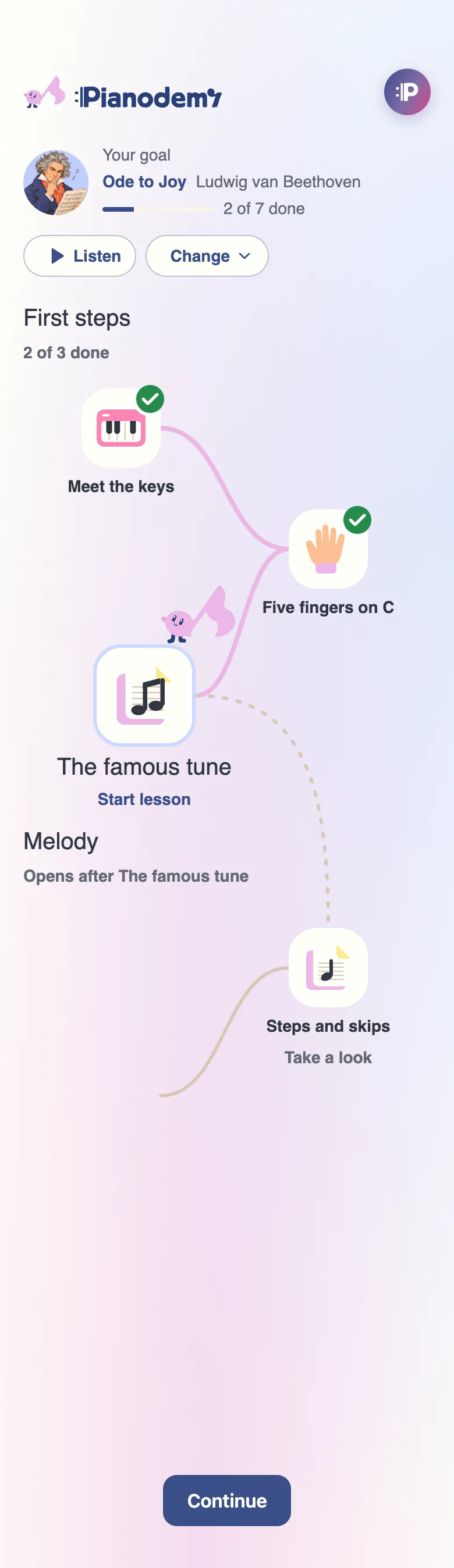
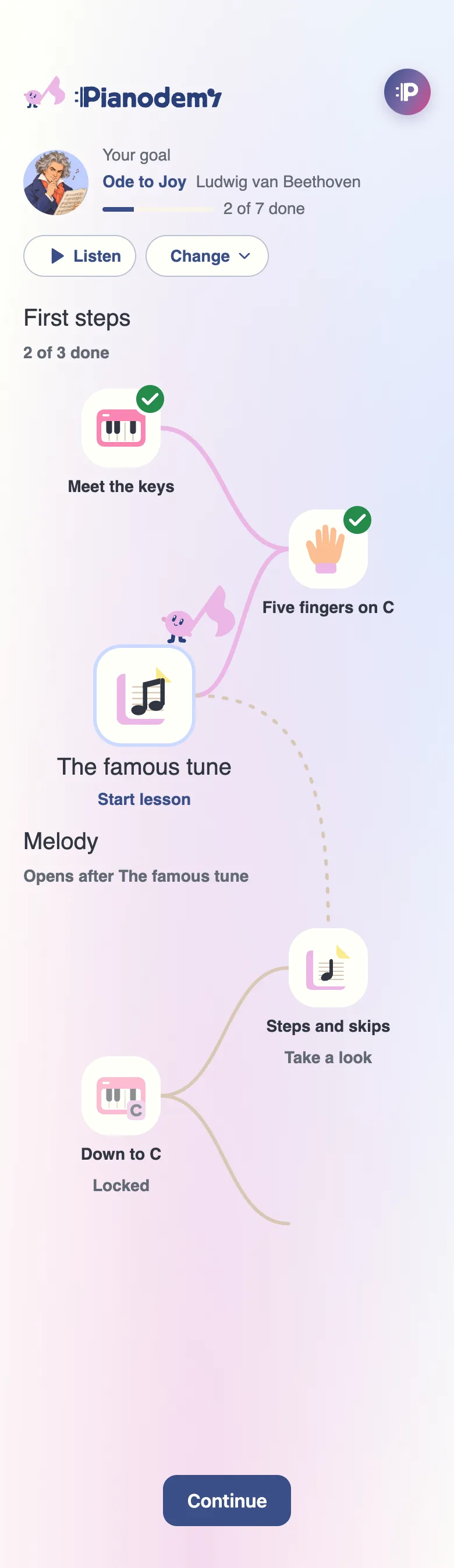
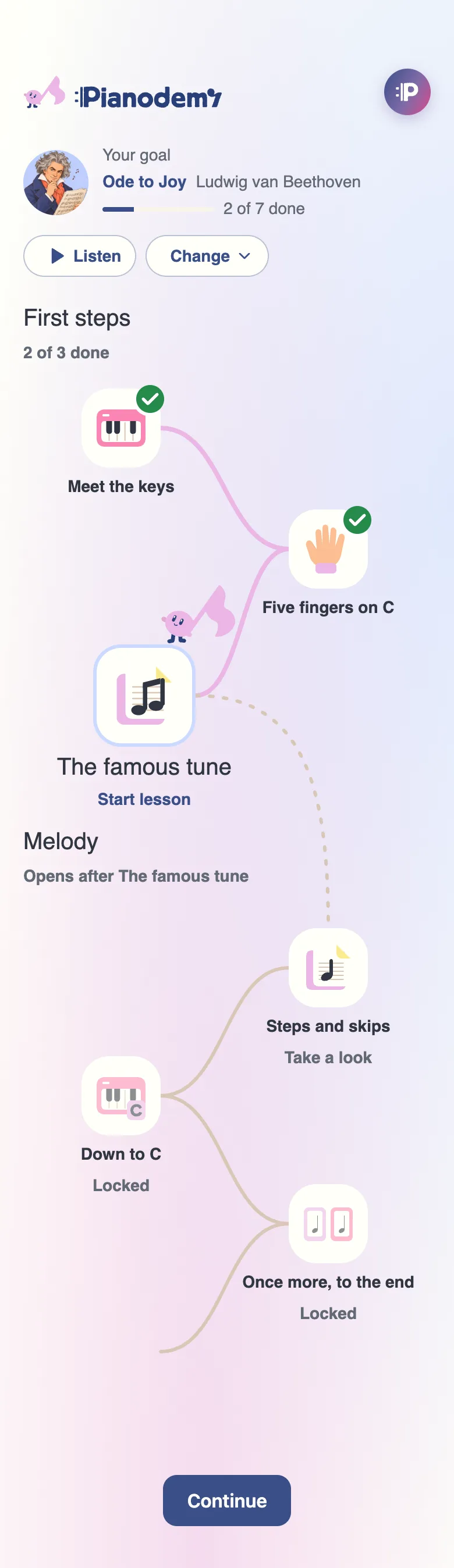

Listen, follow the notes, play along.
Start with a familiar melody. These pieces are ready to play.
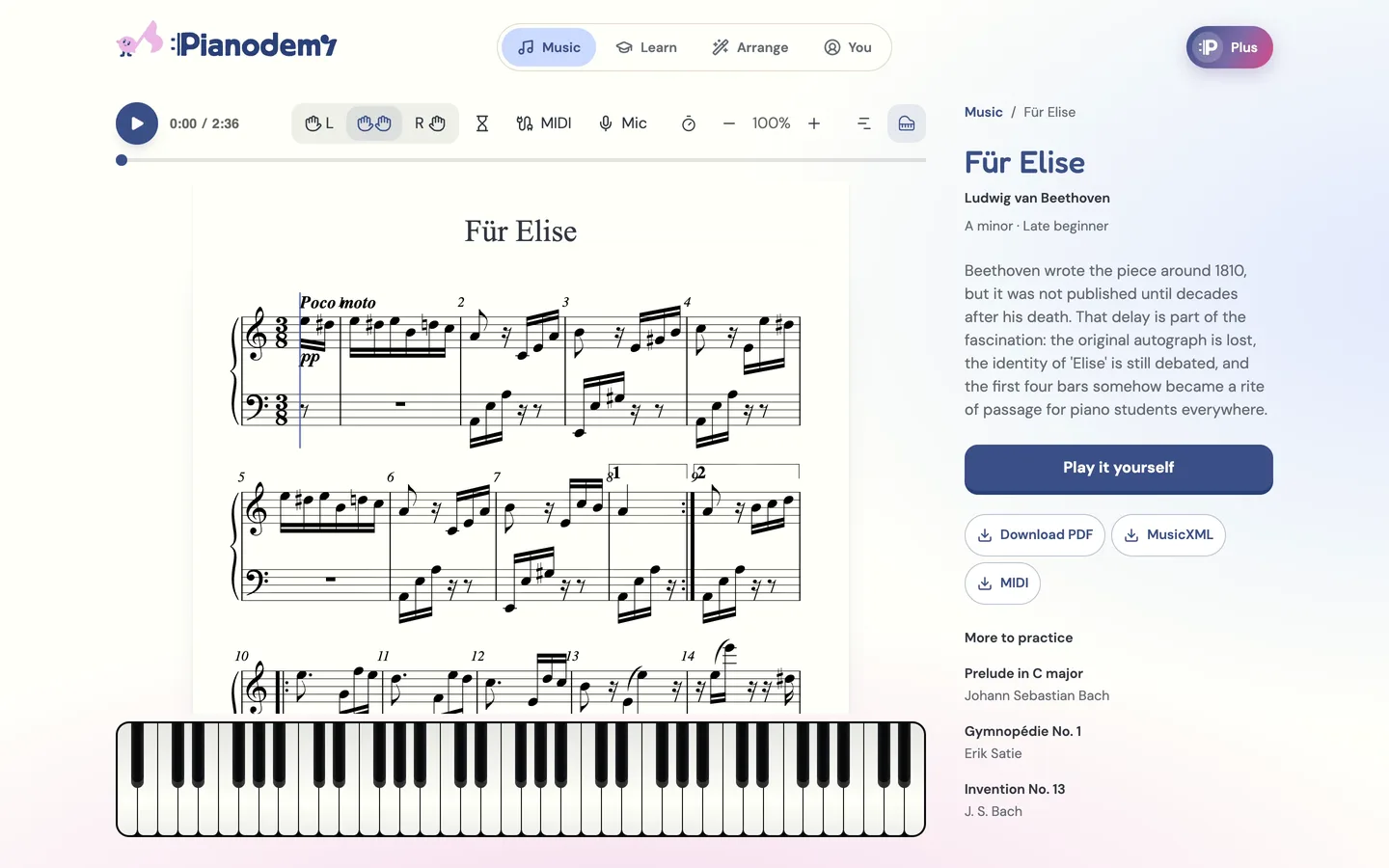
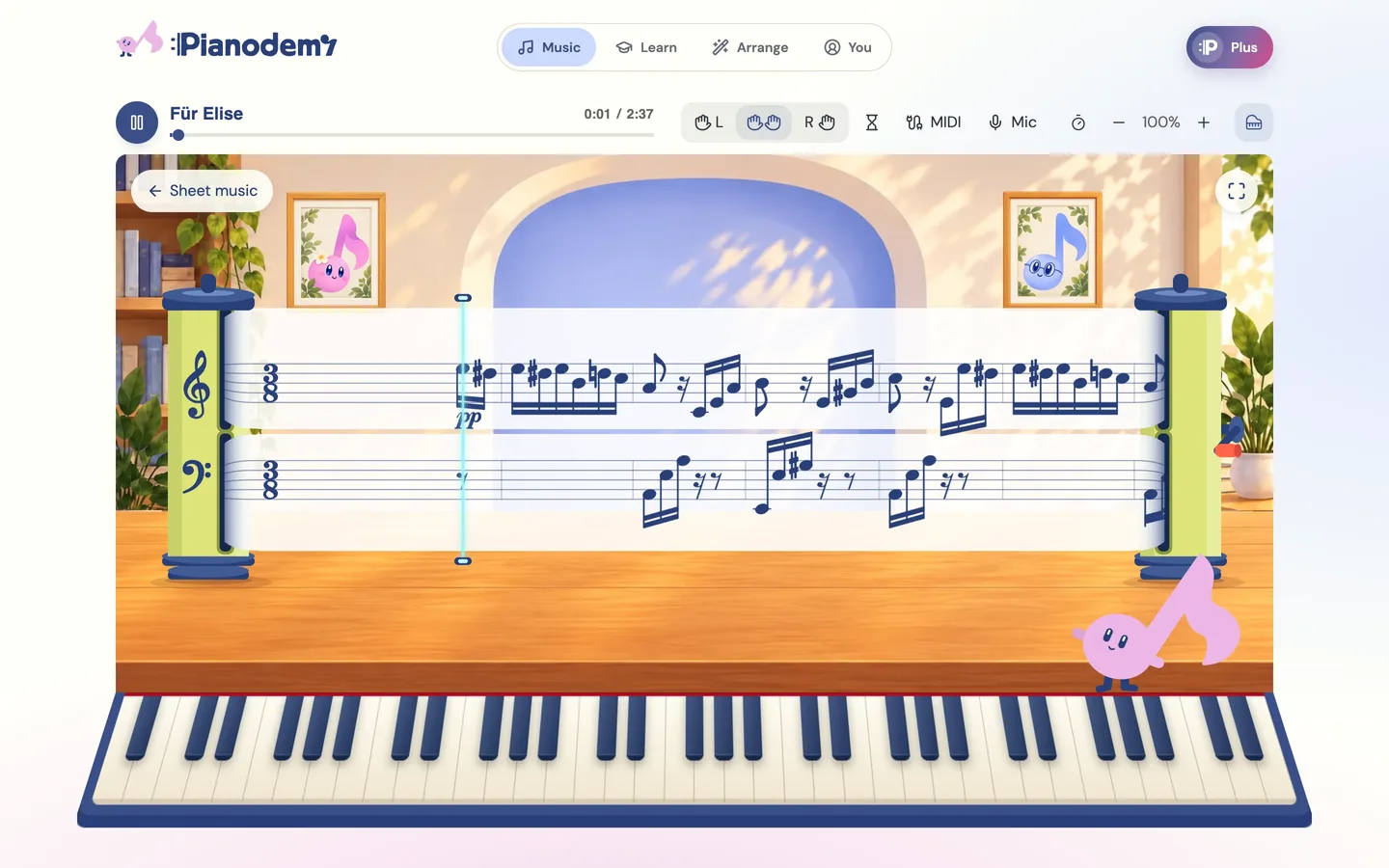
Play a piece Sheet music that plays, with a keyboard to follow.
Start free. Go Plus when you want every piece and your own songs.
Sheet music and note-reading games, plus the opening of 3 songs you bring and 3 library pieces as a game.
$0 forever
Sign up with an email, nothing to pay.
Start freeEvery song you bring plays whole, with its own Learn plan, and every piece in the library is a game.
$79 / year
7 days free, then $79 a year. Card at checkout, cancel any time.
$9.99 / month
Paid now, then monthly. Cancel any time.
The preview is free and needs no account, and a free account plays the opening of your songs with sheet music and falling notes; Plus plays them whole. Downloading the MIDI comes with Pianodemy Plus.
No. You get one piano part with both hands on one track, not a separate track per instrument. If you need each instrument apart, you need a stem separation tool rather than a piano arranger.
Yes. When the recording is a piano on its own, Pianodemy starts from what the pianist plays and fits it to the level you pick, instead of writing a new part.
Yes. It is a standard MIDI file, so you can change notes, timing and sound in any DAW or MIDI editor.
Audio files: MP3, WAV, M4A, OGG, FLAC, AAC or AIFF, up to 25 MB.
You get a piano arrangement of the song, not a note-for-note transcription of the recording. Clear recordings with a strong melody give the best results.
A preview needs no account. A free account plays the opening of 3 songs you bring. Pianodemy Plus ($79 a year, free for the first 7 days, or $9.99 a month) plays every song you bring whole, gives each its own Learn plan and downloads them as PDF, MIDI and MusicXML (fair use: up to 30 songs a month).