Pianodemy Arranger is live: any song, arranged for piano
Name a song, paste a YouTube link or upload audio, and get a piano arrangement you can practice in your browser. Here is how it works and what it costs.
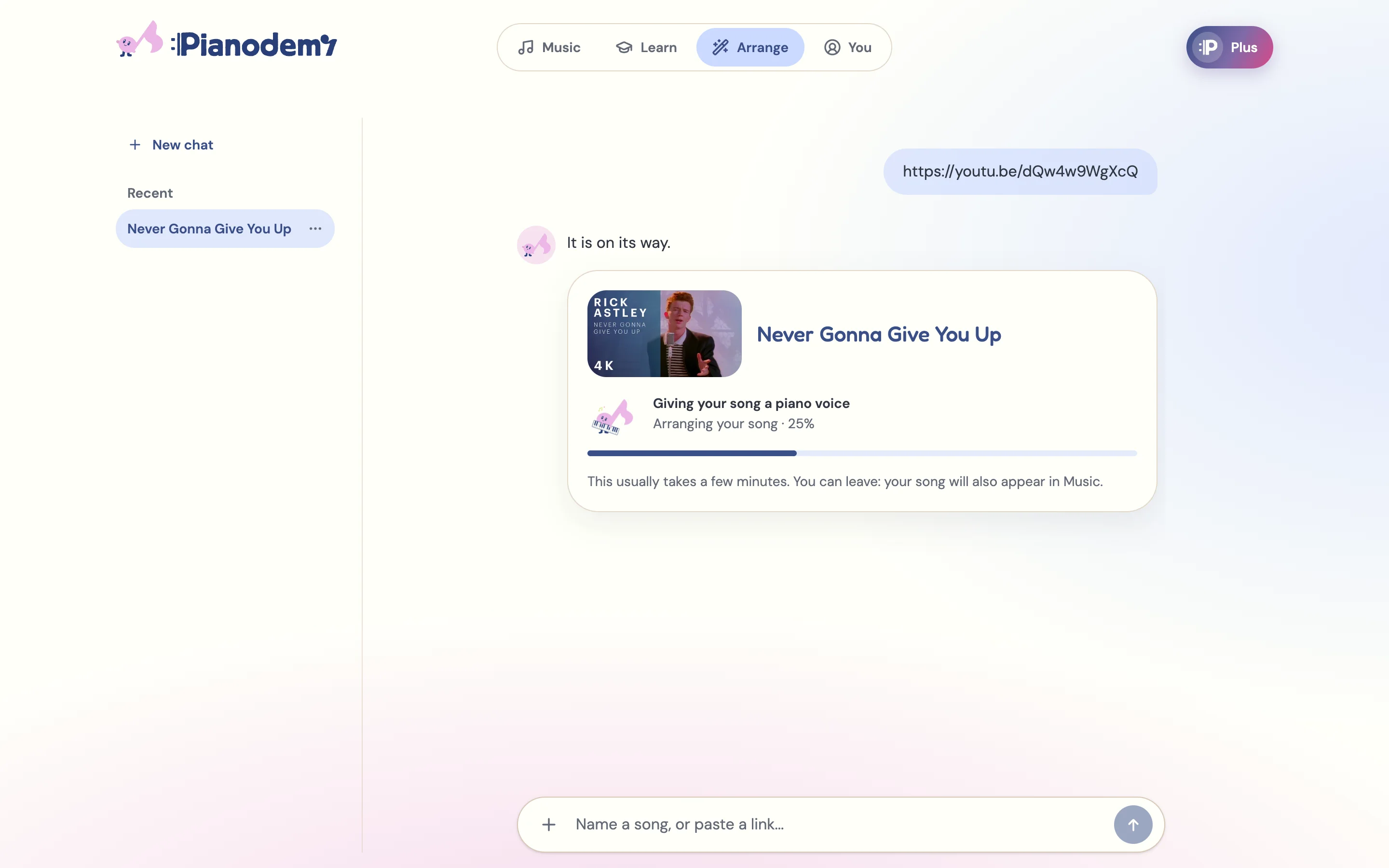
At the end of September we switched on the part of Pianodemy we have been building the longest: the Pianodemy Arranger. You bring a song, it gives you a piano arrangement you can actually play.
How it works
Go to the homepage and tell it what you want to play. You can:
- type the name of a song,
- paste a YouTube link,
- or upload an audio file.
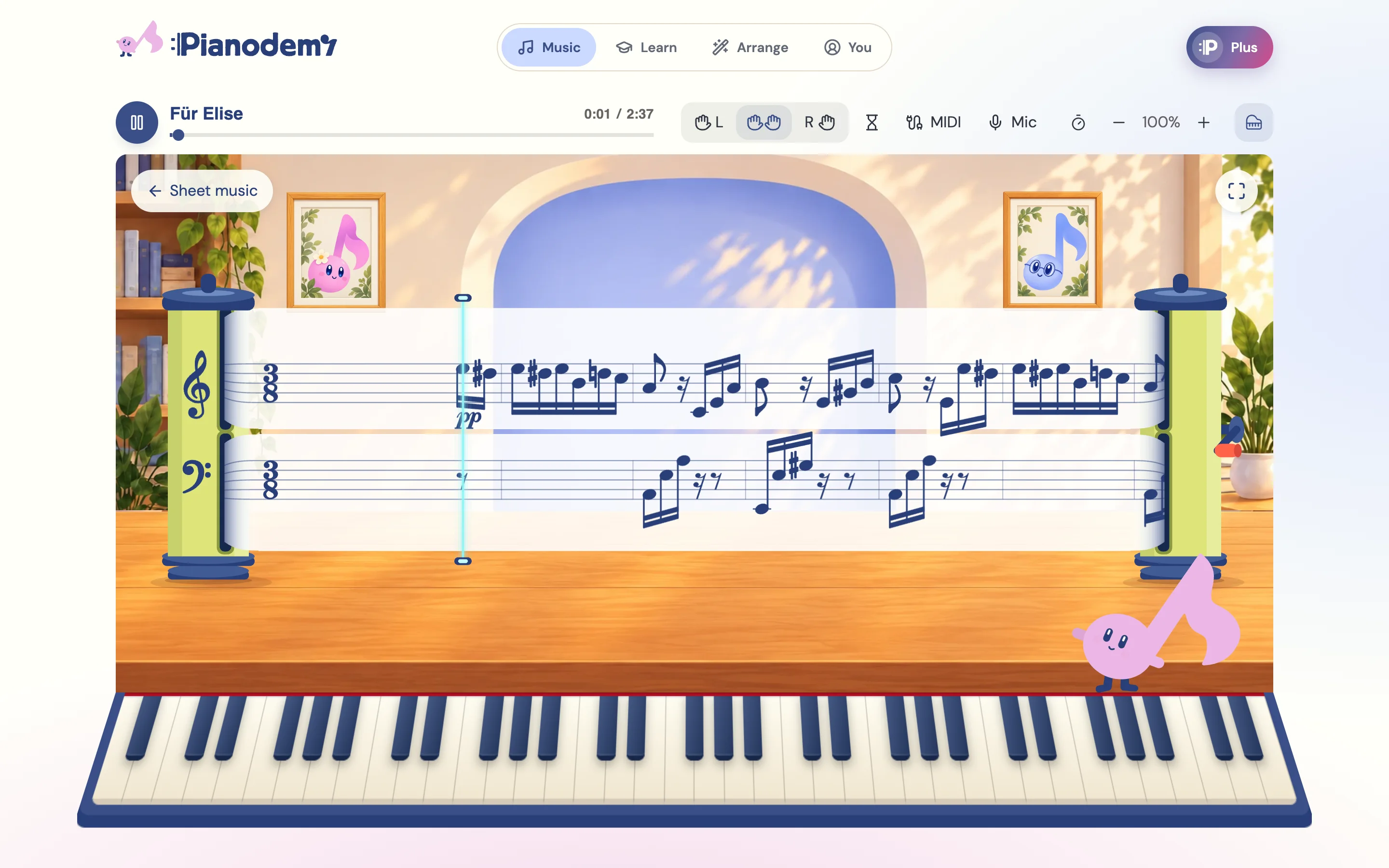
Pick a level - Easy, Normal or Advanced - and wait a few minutes while the arrangement is made. When it is ready, it opens as a practice space: falling notes over a keyboard that plays along. Drag through the song to find the part you want, and play it again as many times as you like.
What is under the hood
The arranger is our own audio-to-piano model, not a library of pre-made sheets. It listens to the recording and writes a piano part from it. That is why it can take a song nobody has arranged yet.
It is also why it is not perfect. Some songs come out close to what a pianist would write; some need a second try at a different level. The model gets better with every release, and your feedback tells us where to look first.
What it costs
Your first song is free, with its learning path. Pianodemy Plus is $79 a year after a 7-day free trial, or $14.99 a month: 30 of your own songs arranged each month, each with its learning path, and every piece in the catalogue as a game. You can cancel anytime, and your free song stays playable.
And now, a path to it
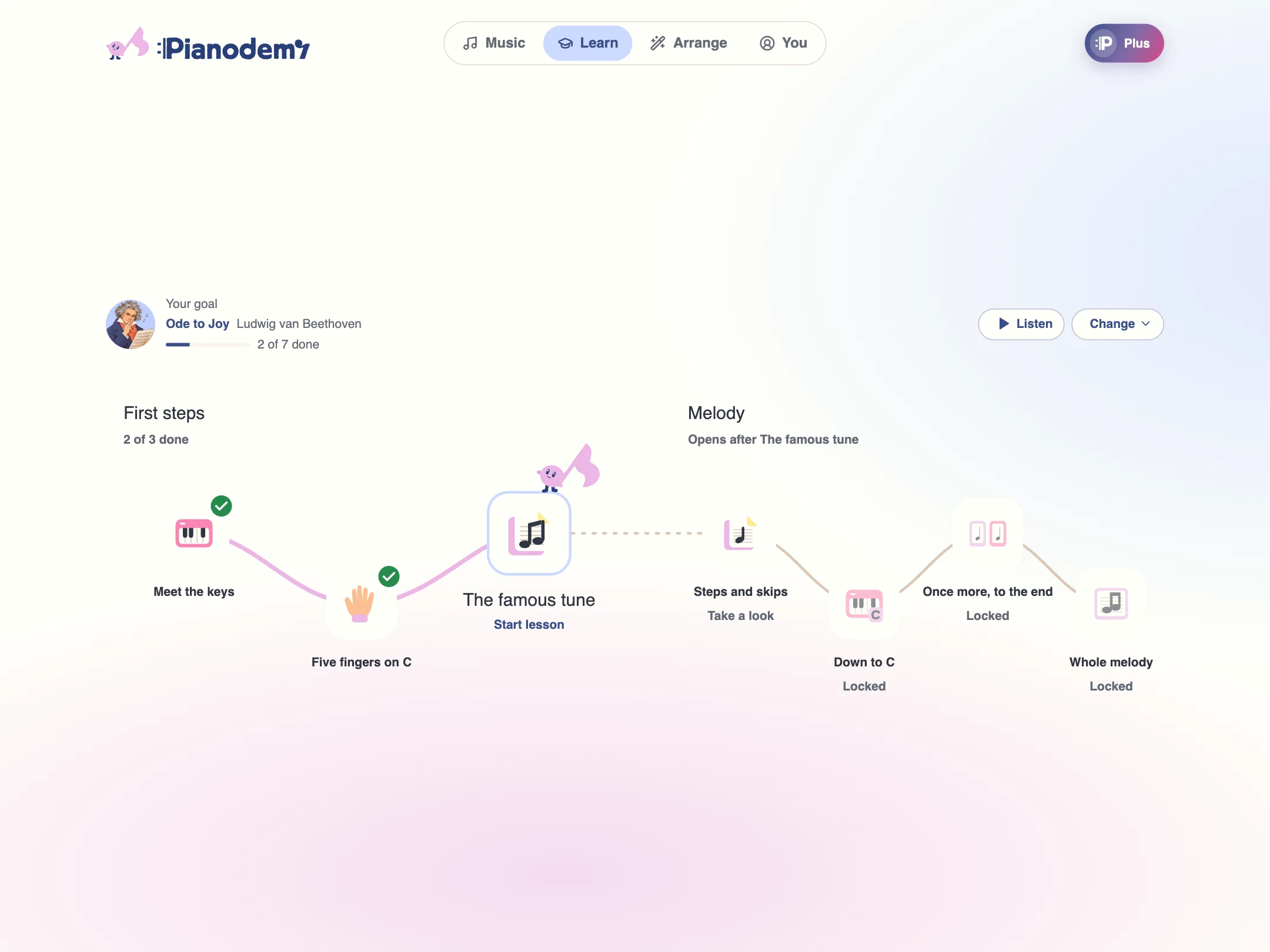
An arrangement is a big help if you can already play. If you are just starting, Pianodemy now also builds a learning path for your song: short lessons that lead you from your first notes to playing it.
Try it
Think of the song you have always wanted to play, and give it to the arranger. If something sounds wrong, tell us - we read every message.