Interactive piano piece
Learn Nocturne Op. 9 No. 2
A famous Chopin nocturne for singing melody, rubato, and left-hand flow. A real interactive score, dark Pianodemy keyboard, tempo controls, section loops, MIDI input, and wait-for-note mode turn this page into a practice desk built around the nocturne's long singing lines.
Browser MIDI check pending
Loading score...
Press Play for the full piece, or choose Opening and switch to Wait for note for guided right-hand practice.
About the piece
The nocturne that taught the piano how to sing.
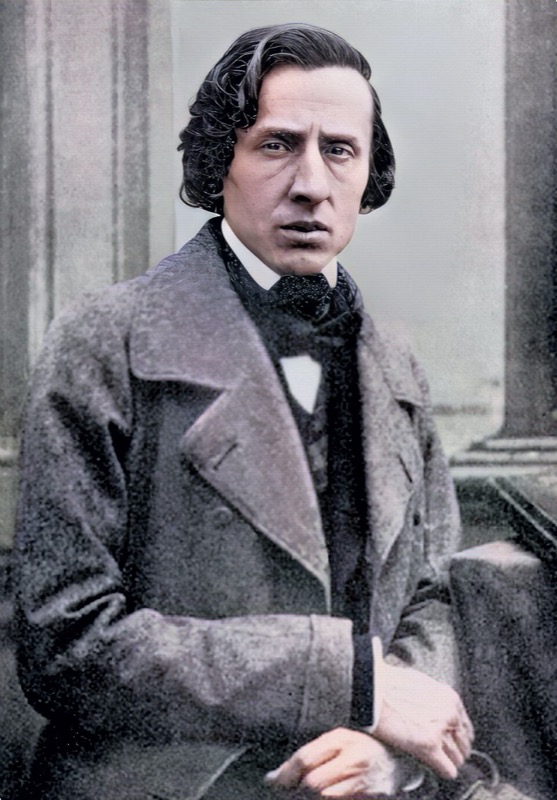
Chopin published the three Nocturnes of Op. 9 in 1832, dedicating the set to his friend and fellow pianist Marie Pleyel. The second nocturne, in E-flat major, became the most performed of the three and one of the most recognised pieces in all of piano literature. Chopin was twenty-one when he composed it, newly arrived in Paris from Warsaw, and already reshaping what the instrument could do.
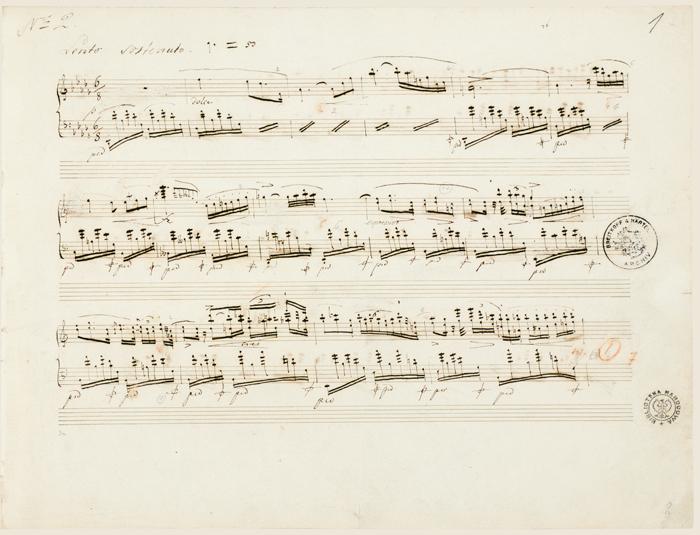
The piece draws on John Field's nocturne form but transforms it utterly. Where Field wrote lyrical melody over simple accompaniment, Chopin layers an ornamented vocal line - decorated with trills, gruppetti, and chromatic slides - over a gently rocking left-hand triplet pattern that never stops. The result sounds improvised and inevitable at the same time.
Chopin himself performed it many times in Parisian salons, and his students recorded that he rarely played it the same way twice. The written ornaments in the score are suggestions as much as instructions. That interpretive freedom is part of why the piece still sounds fresh; it invites the performer in rather than pinning them down.
Practice path
Build the melody, then earn the ornaments.
The piece divides naturally into an A section (the main E-flat melody), a slightly more urgent middle episode, and a decorated return. Use the section loop to isolate each area, slow the tempo, and let the left hand settle before layering the right-hand ornaments on top.
The triplet accompaniment in the left hand is deceptively demanding at full speed. Practise it alone first so it becomes automatic - only then does the right hand have the attention it needs to sing.
Score basis: Generated MusicXML from Mutopia MIDI. Public domain composition; CC BY-SA 3.0 Mutopia typesetting; prototype MusicXML generated for Pianodemy. Attribution: Mutopia Project, Mutopia-2014/12/18-1590, G. Schirmer, New York, 1881.
MIDI source: Mutopia Project, Mutopia-2014/12/18-1590. CC BY-SA 3.0 / Mutopia distribution.
How to use this V1
Ornaments last, evenness first.
Set tempo to 50% and loop the opening eight bars, right hand only, until each ornament lands cleanly. At 75%, check that the melody note sounds before the decoration, not after. Wait-for-note mode is useful for fixing the bar where the long trill enters; Play-along mode at 80% restores the phrase shape once individual notes are reliable.
Keep going